 Félix MalfaitandGitHub
0fa2a4524a
Félix MalfaitandGitHub
0fa2a4524a
## Summary
This PR replaces the Active/Inactive accordion sections with a modern
filter dropdown button and enables full access to system objects in
advanced mode.

## Changes

### UI Improvements
- ✅ Replaced accordion sections with a filter button dropdown (matching
the design pattern from the Group filter)
- ✅ Added 'Deactivated' toggle filter (hidden by default, uses
IconArchive)
- ✅ Added 'System objects' toggle filter (only visible in advanced mode,
uses IconSettings)
- ✅ Fixed search input width to properly fill available space
- ✅ Proper button sizing and alignment

### System Objects Support
- ✅ Made system objects visible when 'System objects' filter is toggled
on
- ✅ System objects are now fully clickable and accessible
- ✅ Updated object detail page to support system objects
- ✅ Updated field creation/edit pages to support system objects
- ✅ System objects can now have custom fields added

### Architecture
- ✅ Implemented scalable filter architecture using a single filtered
list
- ✅ Easy to add more filters in the future (e.g., show remote objects)
- ✅ All filters work independently and can be combined

## Testing
- [x] Tested deactivated objects toggle
- [x] Tested system objects toggle (only shows in advanced mode)
- [x] Tested clicking on system objects
- [x] Tested adding custom fields to system objects
- [x] No linter errors

## Screenshots
See attached screenshots in the conversation for the new filter UI.

<!-- CURSOR_SUMMARY -->
---

> [!NOTE]
> Adds a filter dropdown to the Settings Objects table (incl.
deactivated/system toggles), enables system objects across
settings/field flows, seeds core views (workspace members, messages,
threads, calendar events), and adds actions for Workspace Members.
>
> - **Settings UI**
> - **Objects Table**: Replaces Active/Inactive sections with a single
filterable list and dropdown (`Deactivated`, `System objects` in
advanced mode); updates props to `objectMetadataItems` and removes
accordion sections.
> - **Search/UX**: Search input fills available space; inactive rows
show activation/delete menu; active rows remain navigable.
> - **Pages Updated**: `SettingsObjects`,
`SettingsApplicationDetailContentTab` switch to new table API; object
detail and new-field flows use `findObjectMetadataItemByNamePlural`
(works with system objects).
> - **Action Menu**
> - **Workspace Members**: Adds `WORKSPACE_MEMBERS_ACTIONS_CONFIG` with
"Manage members in settings" action; wired into `getActionConfig` for
`WorkspaceMember`.
> - **Server (Core Views Seed)**
> - Adds default views: `workspaceMembersAllView`, `messagesAllView`,
`messageThreadsAllView`, `calendarEventsAllView`; included in
`prefillCoreViews`.
> - Marks workflow entities as system (`WorkflowRun`,
`WorkflowVersion`).
>
> <sup>Written by [Cursor
Bugbot](https://cursor.com/dashboard?tab=bugbot) for commit
6a2856df85. This will update automatically
on new commits. Configure
[here](https://cursor.com/dashboard?tab=bugbot).</sup>
<!-- /CURSOR_SUMMARY -->

The #1 Open-Source CRM
🌐 Website · 📚 Documentation ·  Roadmap ·
  Discord ·
  Figma
Figma
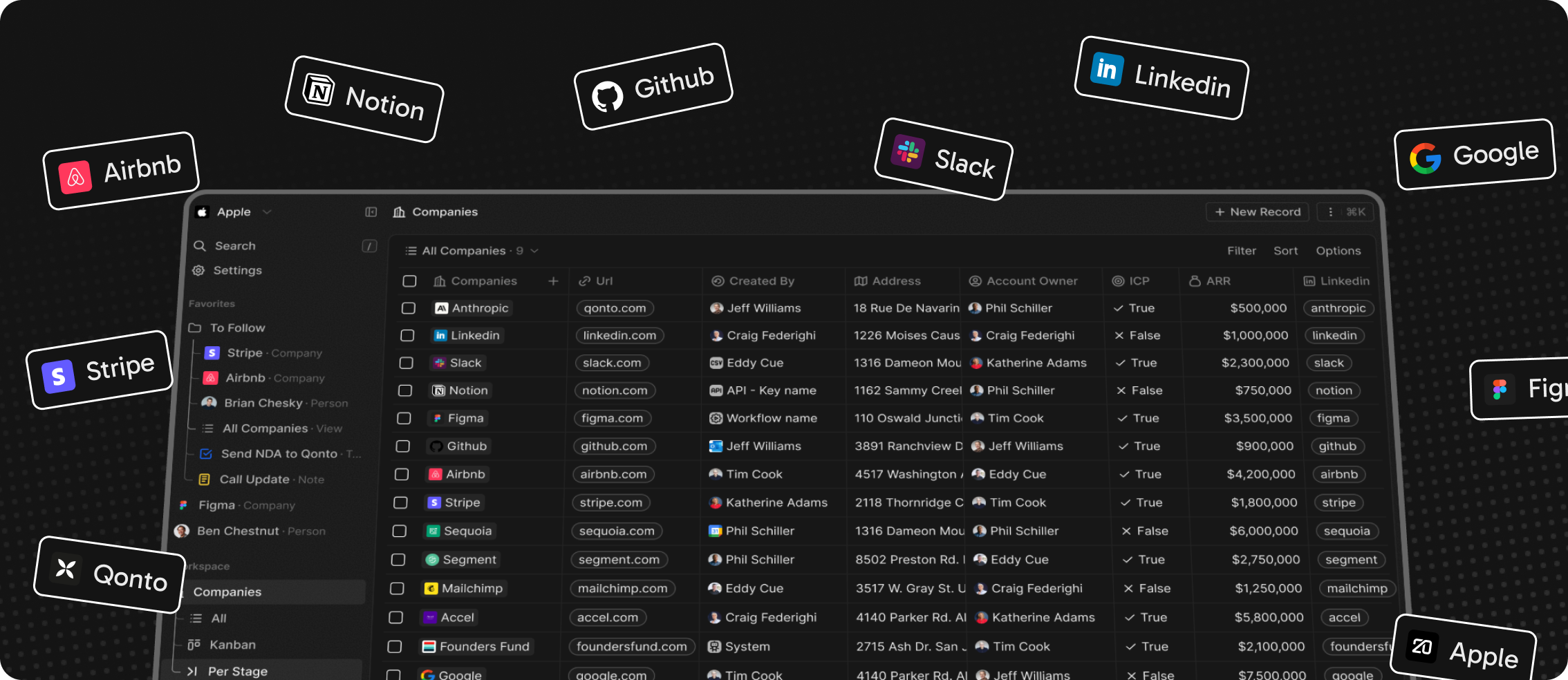
Installation
See: 🚀 Self-hosting 🖥️ Local Setup
Does the world need another CRM?
We built Twenty for three reasons:
CRMs are too expensive, and users are trapped. Companies use locked-in customer data to hike prices. It shouldn't be that way.
A fresh start is required to build a better experience. We can learn from past mistakes and craft a cohesive experience inspired by new UX patterns from tools like Notion, Airtable or Linear.
We believe in Open-source and community. Hundreds of developers are already building Twenty together. Once we have plugin capabilities, a whole ecosystem will grow around it.
What You Can Do With Twenty
Please feel free to flag any specific needs you have by creating an issue.
Below are a few features we have implemented to date:
- Personalize layouts with filters, sort, group by, kanban and table views
- Customize your objects and fields
- Create and manage permissions with custom roles
- Automate workflow with triggers and actions
- Emails, calendar events, files, and more
Personalize layouts with filters, sort, group by, kanban and table views

Customize your objects and fields

Create and manage permissions with custom roles

Automate workflow with triggers and actions

Emails, calendar events, files, and more

Stack
- TypeScript
- Nx
- NestJS, with BullMQ, PostgreSQL, Redis
- React, with Recoil, Emotion and Lingui
Thanks


Thanks to these amazing services that we use and recommend for UI testing (Chromatic), code review (Greptile), catching bugs (Sentry) and translating (Crowdin).
Join the Community
- Star the repo
- Subscribe to releases (watch -> custom -> releases)
- Follow us on Twitter or LinkedIn
- Join our Discord
- Improve translations on Crowdin
- Contributions are, of course, most welcome!